Talk to Me Doja AI video guide
Last updated:
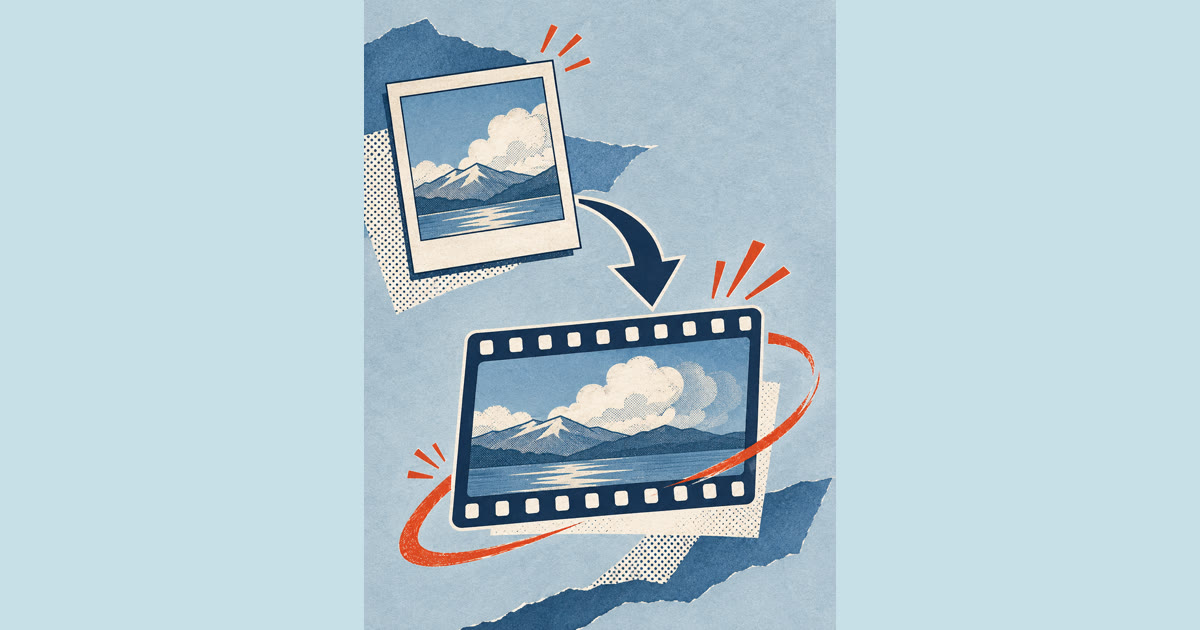
Make a Talk to Me Doja meme-inspired AI video with one photo and a selected motion reference. Follow these steps to review the photo rules, check the credit cost and download your result.
See the Talk to Me Doja AI-generated example
1. Pick the right photo
Choose a recent, sharp photo of one person looking at the camera. Even daylight works best. Avoid sunglasses, hats that cover the face and beauty filters.
2. Upload and review the details
Sign in, add your photo and check the requested duration and displayed credit cost. Actual video length and creation time can vary.
| Length | Credits |
|---|---|
| 14 seconds | 100 |
3. Review the photo rules and generate
Select Generate video to confirm the photo is yours or that you have permission, then start the render. You can leave the page while it works.
4. Download and share
When the video is ready, download the MP4 from the generator or My videos. Review it before sharing and disclose that it was AI-generated.
FAQ
How long does a Talk to Me Doja AI video take to make?
Creation time can vary. You can close the page and come back later; finished videos are available in My videos.
How many credits does a video cost?
A 14-second video request costs 100 credits. Credits are returned if creation fails. If the result is still being checked, please wait before trying again.
Which photo gives the best result?
A recent, sharp photo of one person facing the camera in even light. Avoid sunglasses, hats that cover the face and beauty filters.
Upload a photo to make your Talk to Me Doja video
Create my video